The starting point
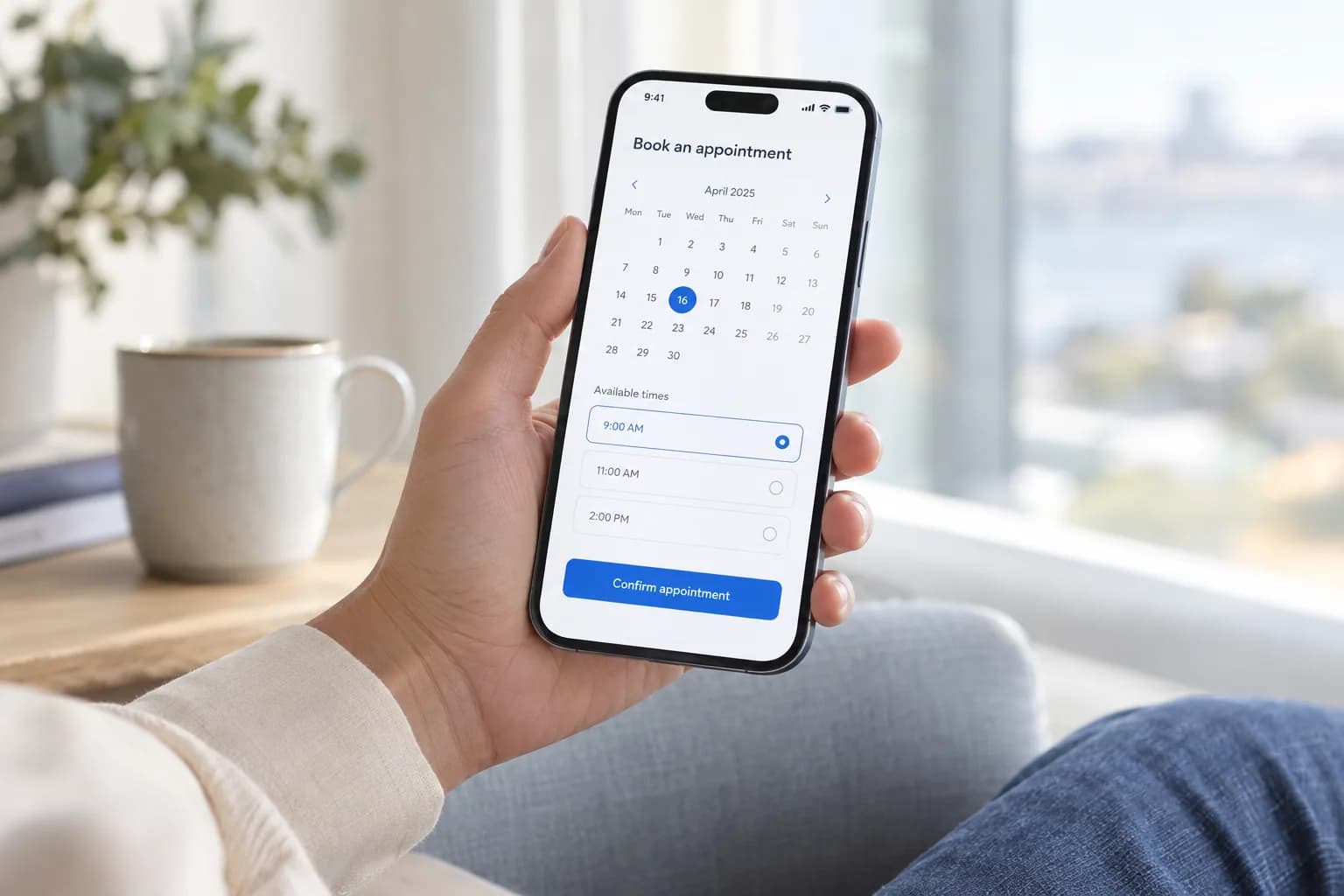
A mobile app is used in a context, not just on a device. Someone may be checking a booking while travelling, recording an update between jobs or returning to a task they started earlier. Begin with those moments so the product plan reflects what people need to accomplish and what may interrupt them.
Identify the moment the app needs to support
Describe a specific task and where it happens. What does the person already know, what information must be close at hand and what should they be able to finish? Separate the frequent, time-sensitive task from occasional work that may be better handled elsewhere.
Use that context when discussing whether an app is the right starting point. A responsive website may be enough for some journeys; other requirements may call for device capabilities or a more persistent experience. Make the decision from the task and constraints rather than assuming every product needs a mobile app.
Plan for interrupted work
Walk through a person leaving the app halfway through a task and returning later. Decide what should be saved, what needs to be refreshed and how the interface explains the current state. Include the difference between preparing an action locally and confirming that it has reached the business system.
Discuss limited or lost connectivity before promising offline use. Identify what information could remain available, which actions need a connection and how pending changes would be reviewed or reconciled. If offline work is outside the scope, make the limitation clear in the experience.
Give every device feature a clear purpose
For each proposed capability, such as location, a camera or notifications, write down the user task it supports. Explain when it is needed and what happens if the person declines access. Avoid making an optional capability a barrier to an unrelated part of the product.
Treat notifications as part of a journey rather than a separate feature. Decide which events are useful enough to interrupt someone, where a notification should take them and how preferences will be managed. Review current platform requirements during implementation rather than relying on an early design assumption.
Review the whole journey on representative devices
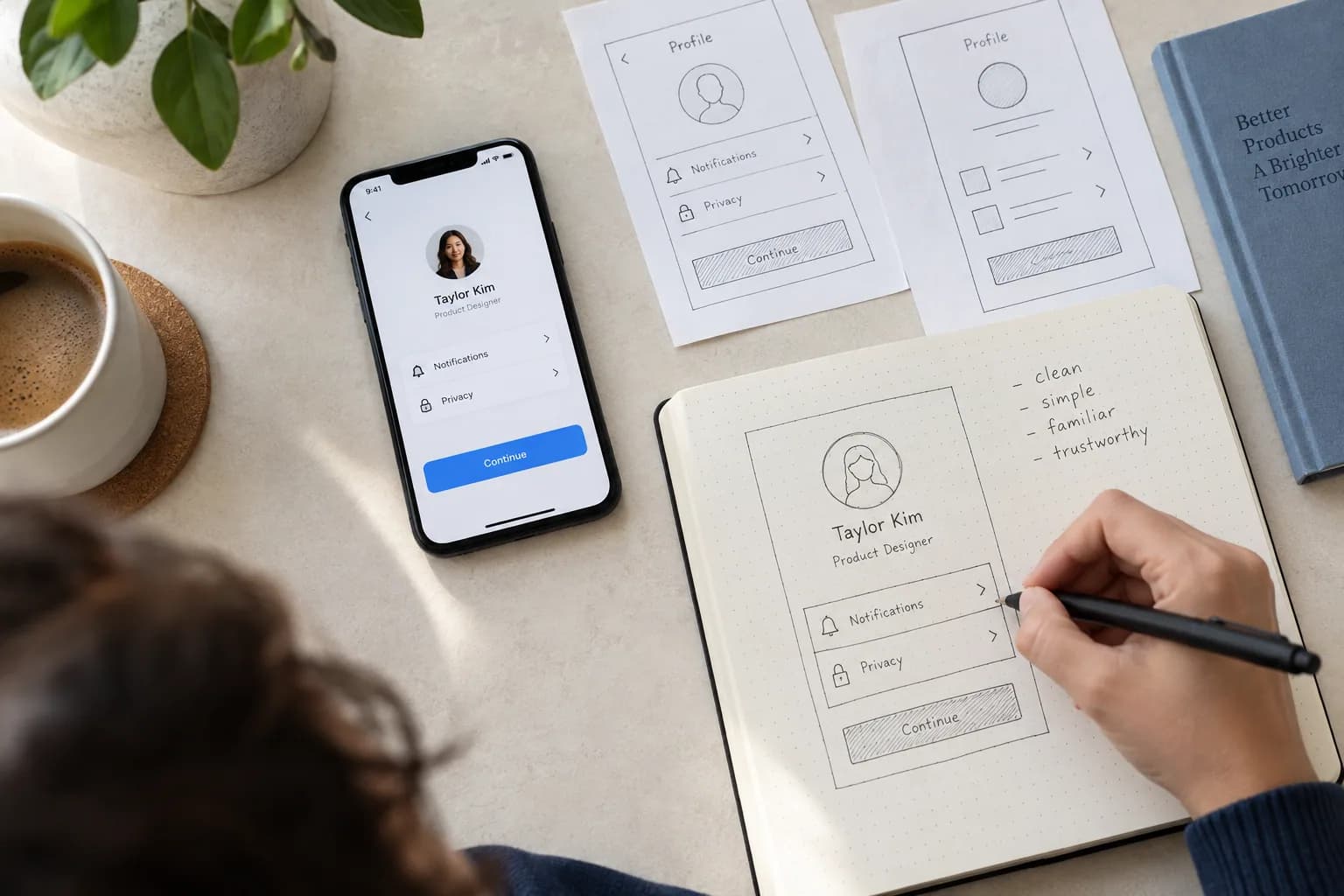
Choose test scenarios that reflect the product: interrupted sessions, long content, denied permissions, slow responses and a person returning from a notification. Include readable layouts and usable controls at the device sizes you intend to support, rather than reviewing only an ideal screenshot.
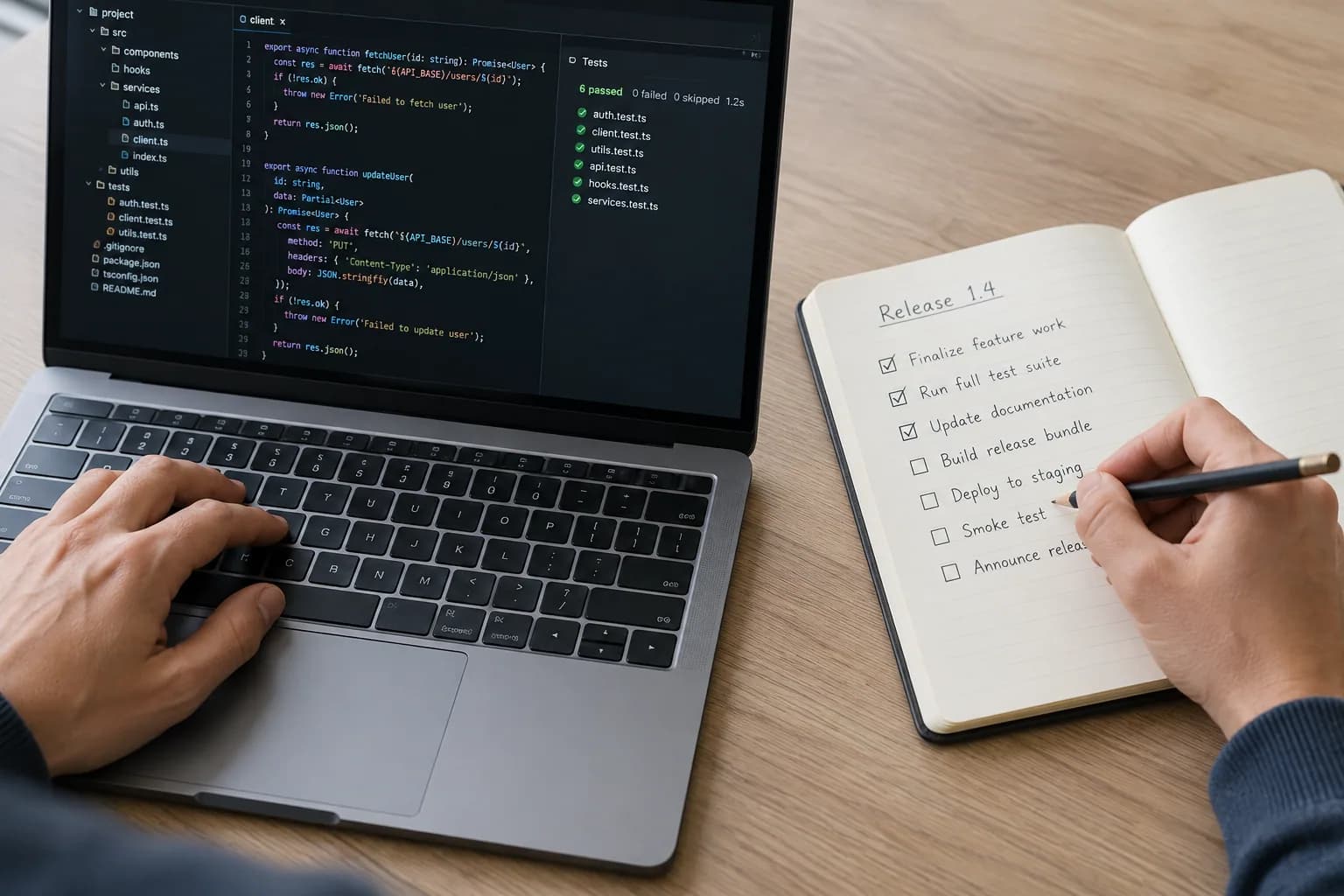
Agree the supported platforms, release responsibilities and ongoing update process with the team. Store submissions, account ownership and backend changes are part of the delivery conversation where relevant. Leave room to respond to what the first users need after the initial release.
Put the thinking into practice
Ready for your next step?